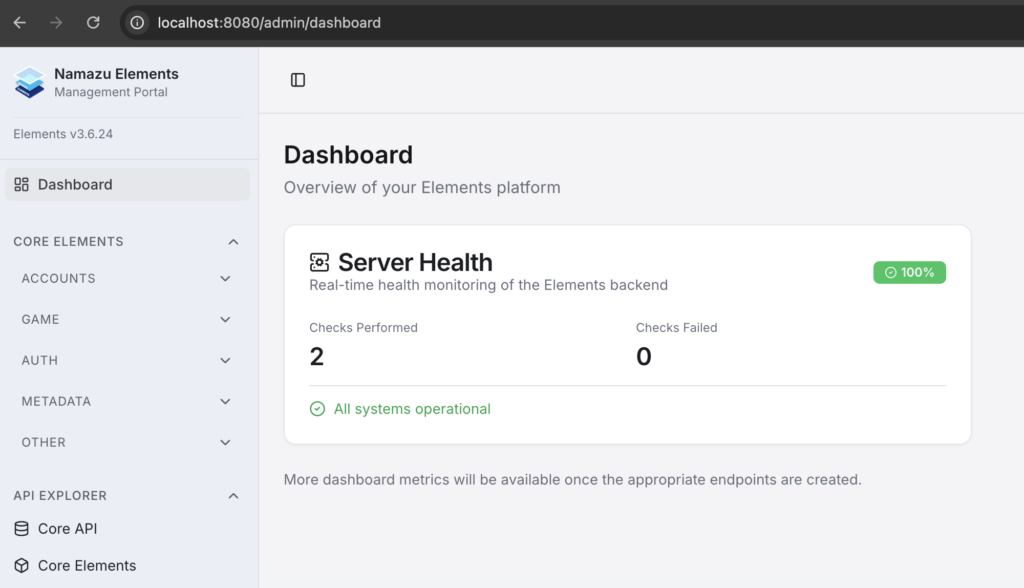
Namazu Elements provides a simple interface to access its features and manage your in-game content via a locally run content management system, or CMS.
Deploy in Docker #
To access the Namazu Elements CMS, you must have Namazu Elements running in Docker.
Login #
Now that you have Elements running locally in Docker, navigate to http://localhost:8080/admin/login
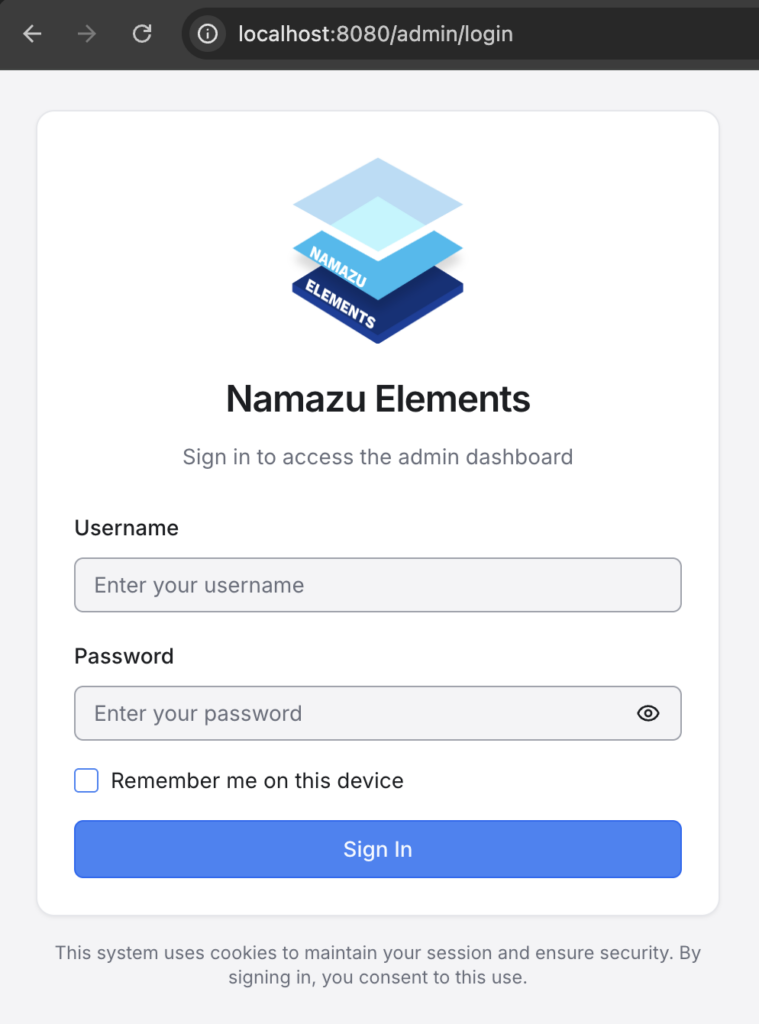
If there are no users in the database, Elements will create one for you:
{
    "name": "root",
    "email": "root@example.com",
    "level": "SUPERUSER"
}
and password: example
See Users and Profiles for more information on user levels.
In this case, the User ID can be either the name or email of the user:
⚠️ For security purposes, it is highly recommended to create a new SUPERUSER to serve as your administrative account, and delete the default account.
Successfully logging in will take you to the Home screen, which should show you the version of Namazu Elements that you’re running, as well as allow you to access all of the CMS tools.